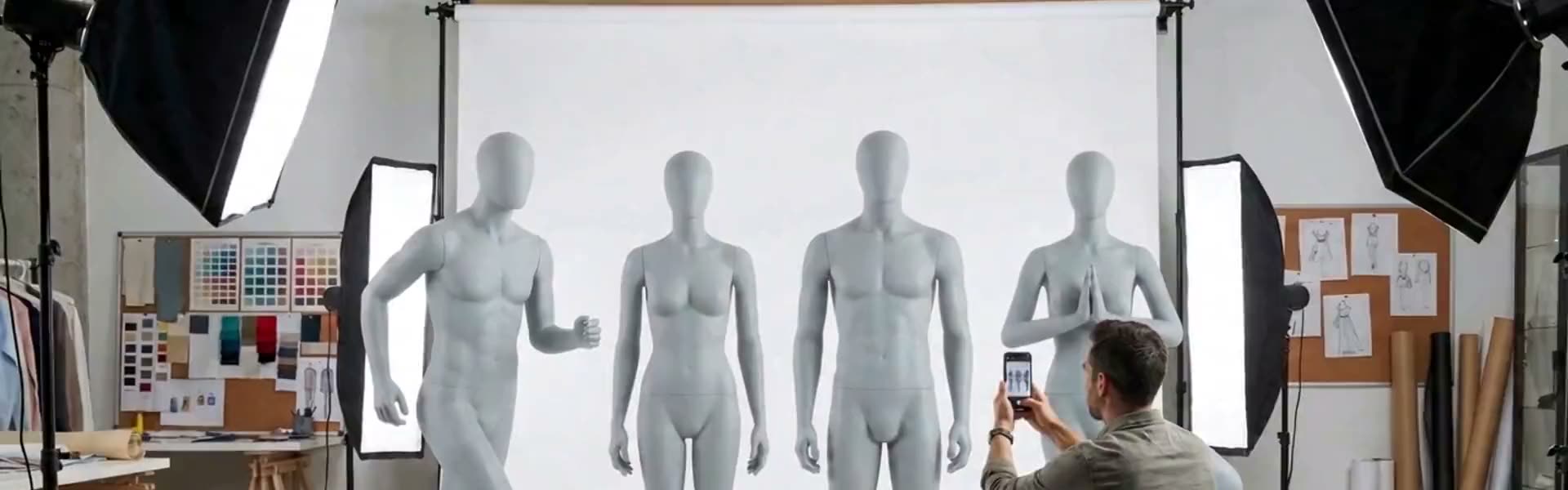
Turn Product Photography into 3D Assets,
For Retail Design Visualizations
Product photo in, pre-textured 3D model out — OBJ & GLB, ready for Rhino in about two minutes. Upload it on a hanger, on a mannequin, or styled exactly as you shot it. No scanners, no studio fees, no 3D team.
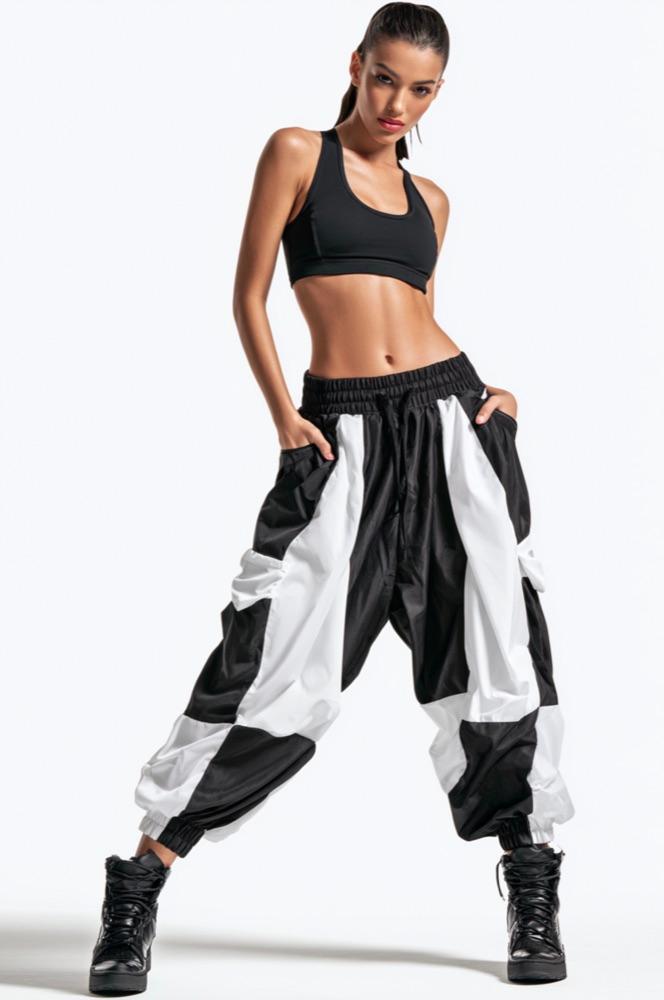
Turn E-Commerce Photos into 3D Files
Built for the tools retail designers already use

The workflow
Three steps. None of them are 3D modelling.
Try a sample first
Test it in your software before you sign up.
Download a real model and confirm it opens cleanly in Rhino, SketchUp, 3ds Max, or Cinema 4D.
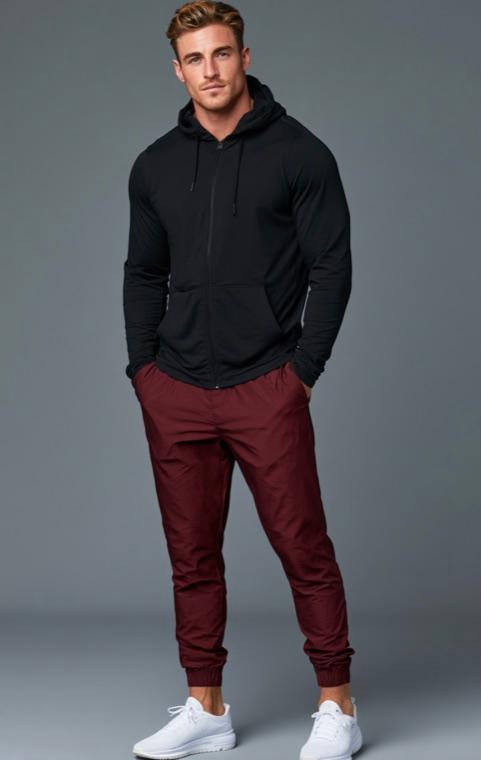

A finished VMrender output. Pre-textured, optimized for retail VM presentation, ready to drop into a store layout.
No signup required. Files are around 14 MB and 26 MB.
Load your kit
Upload reference photos of your company's hangers and mannequins. They become reusable across every job. They're your brand's exact display hardware.
Upload a product
Drop in a photo. Choose hanger, mannequin, or just digitize the product exactly as you styled it. Batch upload a whole collection at once.
Get the model
We compose a studio shot, build a textured 3D mesh, and hand you an OBJ + GLB. Spin it in your browser before you ever download.
Why it's different
Studio-grade output, without the studio.
Your hangers & mannequins
Not generic props. Your actual display hardware, matched to every garment for a consistent look across the range.
Baked-in lighting
Soft studio shadows are rendered into the texture, giving a pre-rendered feel without heavy real-time lighting.
Rhino-ready OBJ
Download a textured OBJ bundle for Rhino, SketchUp and Cinema 4D, plus GLB for everything else.
In-browser 3D preview
Orbit and inspect every model live before downloading. No round-trips to a DCC tool to check a result.
Minutes, not days
A model that used to mean a scan booking or an outsourced job now lands in a couple of minutes.
Optimized for interiors
These models aren't bloated with needless detail. They're optimized for retail VM presentation, not product design.
The old way
- ·Book a 3D scanner or outsource each item
- ·$100s per model, days of turnaround
- ·Heavy, messy scan meshes to clean up
- ·Inconsistent lighting across the range
- ·Unreleased samples shipped out to vendors
With VMrender.com
- One photo upload, fully self-serve
- ~$3 a model, ready in minutes
- Clean, lightweight, pre-textured meshes
- Your exact hangers & mannequins, every time
- Private by default. No public galleries, ever
Pricing
One credit, one finished model.
Credits never expire. Download a free sample to test the format, then buy a pack to start creating.
Digitizing a whole collection?
For brands and retail teams running seasonal ranges across multiple stores. Tell us your volume and we'll scope a pilot and price it to match. We reply within one business day.
- Volume pricing for full collections
- Invoicing & POs, not just cards
- Priority support & onboarding
- Security review welcome
Questions
Good to know
What file formats do I get?+
A textured OBJ bundle (OBJ + materials + texture maps, zipped) for Rhino, SketchUp and Cinema 4D, plus GLB for in-browser preview, Unreal and most engines.
Do I need any 3D skills?+
None. If you can upload a photo and pick from a dropdown, you can make a model. Everything technical happens on our side.
Will the models match our brand's mannequins?+
Yes. That's the point. You upload your own hanger and mannequin reference photos once, and every garment is composed onto them.
How long does a model take?+
Usually a couple of minutes. Upload a whole collection at once and they process in the background while you work.
Is my product imagery kept private?+
Every file is scoped to your account with row-level security and served over signed, expiring links. Nothing is shared or public.
Turn your next collection into 3D today.
Download a free sample and open it in your software. When it fits, buy a pack and start creating your own.
No card to try the sample · Credits never expire